

How To Make The Right Choice Between WordPress & Magento For SEO?
Imagine this: two store owners, same product, same budget, same dream — to get found online. One launches with WordPress, the other with Magento. Six months later, one is sitting on page one of Google with steady traffic, the other is buried under broken URLs, slow load times, and an SEO plugin grav
 Akash PrajapatiDeveloper6 min read
Imagine this: two store owners, same product, same budget, same dream — to get found online. One launches with WordPress, the other with Magento. Six months later, one is sitting on page one of Google with steady traffic, the other is buried under broken URLs, slow load times, and an SEO plugin graveyard.
The difference? It wasn’t just the keywords. It was the platform.
Choosing between WordPress and Magento for SEO is like choosing your city before opening a shop. You’re not just picking a space — you’re picking how fast your packages ship, how your address shows up on the map, how easy it is to put a sign on your door, and whether the road outside gets traffic.
WordPress and Magento aren’t rivals. They’re built for different species of business. WordPress is your smart, scrappy generalist — fast to move, easy to decorate, and full of SEO plug-ins that talk like marketers. Magento, on the other hand, is your eCommerce war machine — powerful, precise, and demanding. It doesn’t care if you blog, but it will crush bulk product SEO — if you know how to handle it.
This isn’t about what’s “better.” It’s about what’s better for you — your niche, your SEO ambitions, your team’s skill level, and how fast you plan to grow.
WordPress vs Magento Platform Comparison
Here’s a complete comparison table between WordPress and Magento, focused on general platform features — not SEO-specific. It includes 20+ real-world elements like cost, flexibility, eCommerce power, and ease of use. You’ll see which platform wins in each area, depending on the purpose (blog, store, portfolio, etc.).
Element
WordPress
Magento
Winner
Ease of Setup
Very easy
Complex
WordPress
Cost to Launch
Low
High
WordPress
Beginner-Friendly
Yes
No
WordPress
Best for Blogging
Excellent
Not ideal
WordPress
Best for E-Commerce
Good with WooCommerce
Excellent
Magento
Custom Design Flexibility
High
Extreme
Magento
Plugin/Extension Availability
Massive library
Robust, but dev-oriented
WordPress
Hosting Requirements
Shared hosting works
Needs VPS/dedicated
WordPress
Security Features
Standard
Advanced
Magento
Mobile Responsiveness
Most themes responsive
Requires dev setup
WordPress
Community Support
Huge global community
Strong but dev-focused
WordPress
Update & Maintenance Simplicity
Easy
Requires dev support
WordPress
Performance Speed
Depends on hosting
Optimized for scale
Magento
Coding Flexibility
Moderate
Advanced
Magento
Free Themes Availability
Thousands
Fewer
WordPress
Paid Themes Availability
Extensive
Niche premium options
WordPress
Product Management
Basic via plugins
Advanced and built-in
Magento
Inventory Control
Good via WooCommerce
Built-in
Magento
Checkout Customization
Limited without dev help
Highly customizable
Magento
Portfolio Site Suitability
Good with themes
Not ideal
WordPress
Scalability Potential
Moderate
High
Magento
Learning Curve
Low
High
WordPress
Integration with Marketing Tools
Very good
Strong for eCom
WordPress
Open Source Licensing
Yes
Yes
Tie
Thanks to Elit Web team for hepling me with this table, You can order WordPress SEO services from them, they who will be happy to assist.
Overall winner count:
- WordPress wins in 14 categories
- Magento wins in 7 categories
- 1 tie
That doesn’t mean one is better than the other — it means they’re built for different goals. If you’re launching a blog or service site on a budget, WordPress is a no-brainer. But if you’re building a high-volume, product-heavy online store and can invest in dev time, Magento can give you more power and control.
On-Page & Technical SEO Comparison: WordPress Vs Magento
SEO Element
WordPress
Magento
Meta Tags Management
Easy with plugins (Yoast, Rank Math)
Built-in but developer-centric
Custom URL Structure
Fully customizable via permalink settings
Fully customizable, requires dev skills
Image Optimization
Supported via plugins
Manual or via custom modules
Internal Linking Control
Simple with plugins
Requires development or paid extensions
Schema Markup Support
Available through plugins
Available via extensions or coding
Page Load Speed Optimization
Dependent on hosting/plugins
High potential but dev-dependent
Mobile Optimization
Strong with responsive themes
Built-in, needs theme support
Canonical Tags Management
Plugin-based
Available but more complex to manage
Sitemap Management
Auto or manual with plugins
Built-in, but requires config
Robots.txt Editing
Easy via plugins or file access
Editable via backend or server access
301 Redirect Management
Handled via plugins
Built-in tools available
Breadcrumbs Setup
Available via themes/plugins
Theme-based or manual setup
Alt Tag Editing
Manual or plugin-based
Manual via admin panel
Content Editing Flexibility
High with block editors
Good, but requires more setup time
Heading Tag Control
Easy via editor/plugins
Manual or template-controlled
SEO Plugin Support
Extensive ecosystem (Yoast, All in One SEO)
Some extensions available
Structured Data Tools
Via plugins or themes
More technical implementation
Multi-language SEO
Handled with plugins (WPML)
Available via third-party modules
CDN Integration
Plugin/CDN ready (Cloudflare, etc.)
Advanced integration options
HTTPS Support
Easy via SSL setup
Requires setup via server
Indexing Control
Strong with plugin support
Available through settings or robots.txt
SEO Analytics Integration
Easy Google Analytics & Search Console integration
Needs Google Tag Manager or config
What specific factors should be considered when choosing a platform for business?
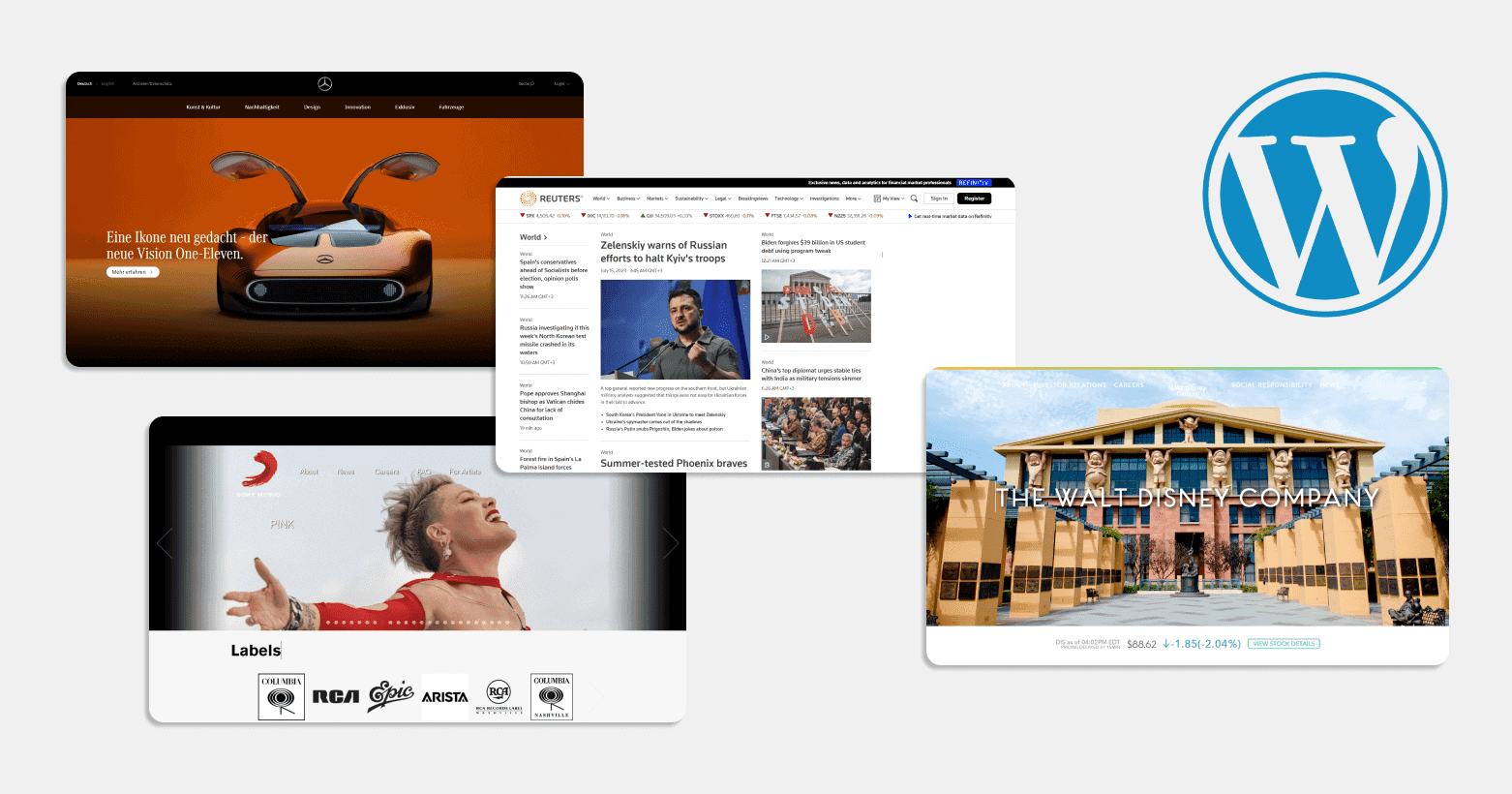
First and foremost, every brand or company wants to find something unique, something special. Typically, the choice is based on the niche, industry, field of activity, unique advantages and privileges, opportunities, resources, and so on. Depending on these preferences, a business owner can choose between WordPress and Magento, but it is important to weigh the pros and cons of each.
If the decision is made in favor of the second option, the brand will face the same challenge — only an effective comprehensive promotion strategy can help. In this case, the business owner will need to seek assistance from a Magento SEO agency to help with website promotion on the platform in the online space. However, if the decision on the website builder has not yet been made, it is worth considering the following factors before making a choice:
- Define the main and priority goals for the website project;
- Understand which platform will be easier to use based on the tasks;
- Learn more about the functionality and capabilities of each platform;
- Ask whether the scalability of the business is planned;
- Specify the relevant budget that needs to be considered;
- Determine how powerful the support and community will need to be in the future;
- Ensure that the chosen platform integrates with other solutions and much more.
The thing is, each builder has its specific features and is designed for specific goals. Based on this, it is essential to decide which one is the best fit for a particular company.
The rivalry between these two website builders is hard to overestimate. If a business is struggling to choose between them, as both are true leaders in the market, it’s important to focus on their key differences. These include the following aspects:
- Understanding business goals. For example, WordPress is mostly suitable for blogs, news sites, portfolio; while Magento is better for building e-commerce websites. Although both are great for creating corporate websites, WordPress will require additional plugins and extensions to turn a blog into a proper online store. This is an important consideration.
- Ease of use. WordPress is more beginner-friendly, while Magento is a more professional builder, suited for IT specialists, web developers, and experienced marketers (despite both platforms being flexible).
- Rich functionality. Before choosing one, consider the plugins, extensions, and additional features. Professional SEO works well with both builders, and both are very secure and adaptable for any e-commerce website topic.
- Scalability of the project. Business growth is crucial, so it’s important to look at the extensions offered by each builder. Magento is a great choice for large-scale online stores, while WordPress is better for businesses with a versatile brand that can adapt to websites of any size.
Additionally, to make the right choice, it’s important to understand how much the business owner is willing to spend, the size of the budget, and what they expect from the website in the future. All services, tools, and options differ and vary significantly from one another.
Making the right decision won’t be easy because WordPress is suitable for blogs, corporate websites, and small-to-medium-sized online stores. Additionally, such websites can easily implement professional SEO and other marketing solutions. On the other hand, Magento is the ideal solution for large corporations and online stores that require cutting-edge web technologies, top-notch options, and high e-commerce security, with these features being the top priority. Moreover, this platform requires specialized IT and web knowledge.
Share
You may also like



Send me your site
I'll tell you honestly what's broken. If we can't help, I'll tell you who can.
Free · 45 min · no obligation